

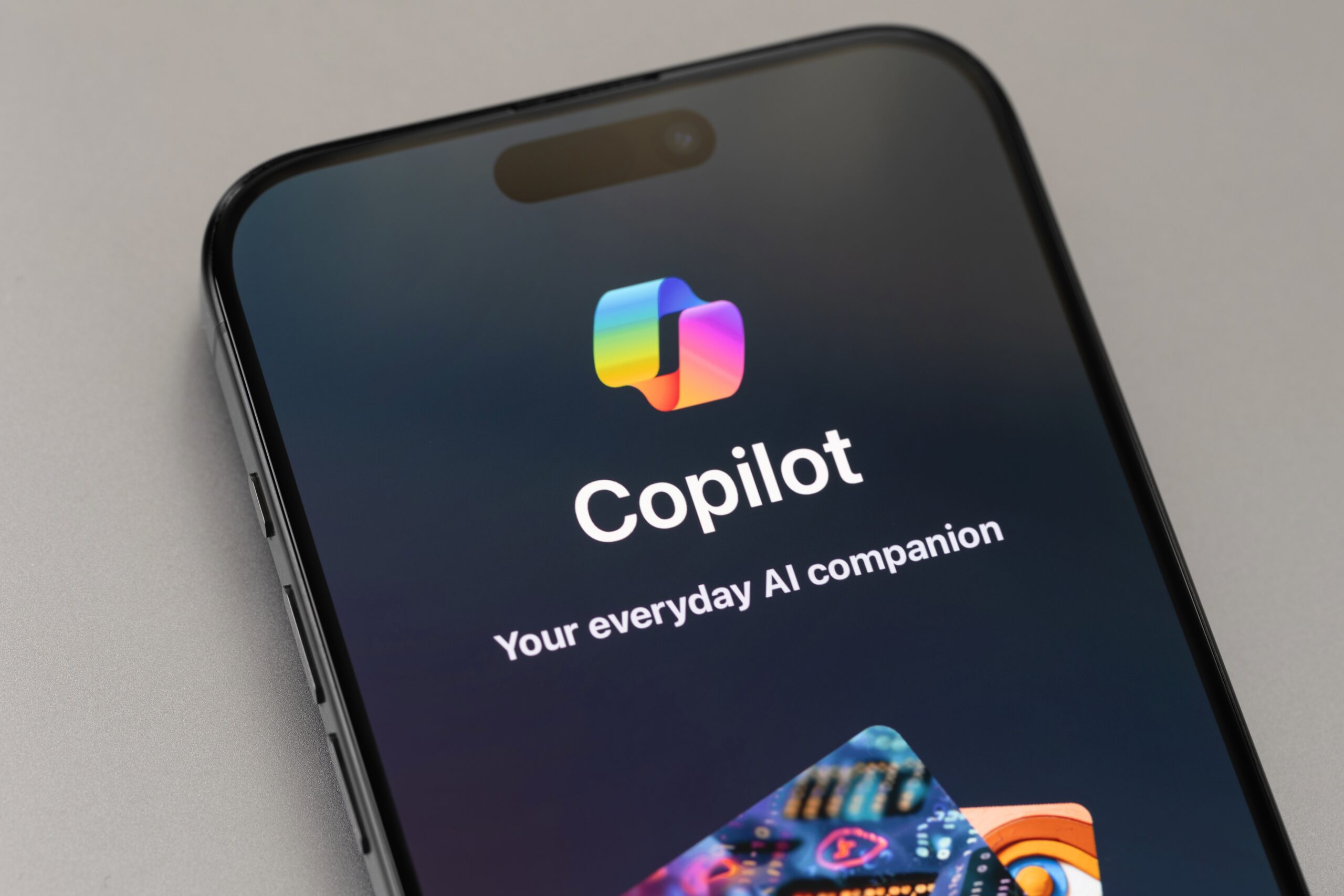
Today, Microsoft announced 12 new features that make Copilot more personal, more useful, and more connected to people and the world around them. In the YouTube video published today, Mustafa Suleyman, CEO of Microsoft AI, and Jacob Andreou, Director of Product at Microsoft AI, present the new features and discuss the importance of developing artificial intelligence to serve people.
To learn more about the Copilot releases, you can watch the video on YouTube , read the blog post accompanying the announcement here , and visit this main page , where you will find links to the original video and blog post.
Here is a summary of the news and features announced today:
- AI should be social, not isolating. With Groups , Copilot becomes a shared experience – allowing real-time collaboration for brainstorming, writing, and studying together with up to 32 people.
- With Memory & Personalization , you can ask Copilot to memorize important information – such as marathon training or a birthday – and retrieve that data in future interactions.
- With connectors , Copilot brings your content even closer together, making it easy to search for and find what you need across multiple accounts using natural language.
- Copilot for Health addresses one of the most common user needs: health-related questions.
- With Learn Live , Copilot can aid in education by acting as a voice-commanded tutor that guides the user through concepts, rather than simply providing answers.
- Copilot mode on the Edge is evolving into an AI-powered navigator, becoming a dynamic and intelligent companion.
- Copilot on Windows transforms any Windows 11 PC into an AI-powered PC. With the activation command “Hey Copilot,” you can start a conversation at any time, as long as the feature is enabled and the PC is unlocked.
All the features mentioned are already available in Copilot, although specific availability varies depending on the market, device, and platform.